
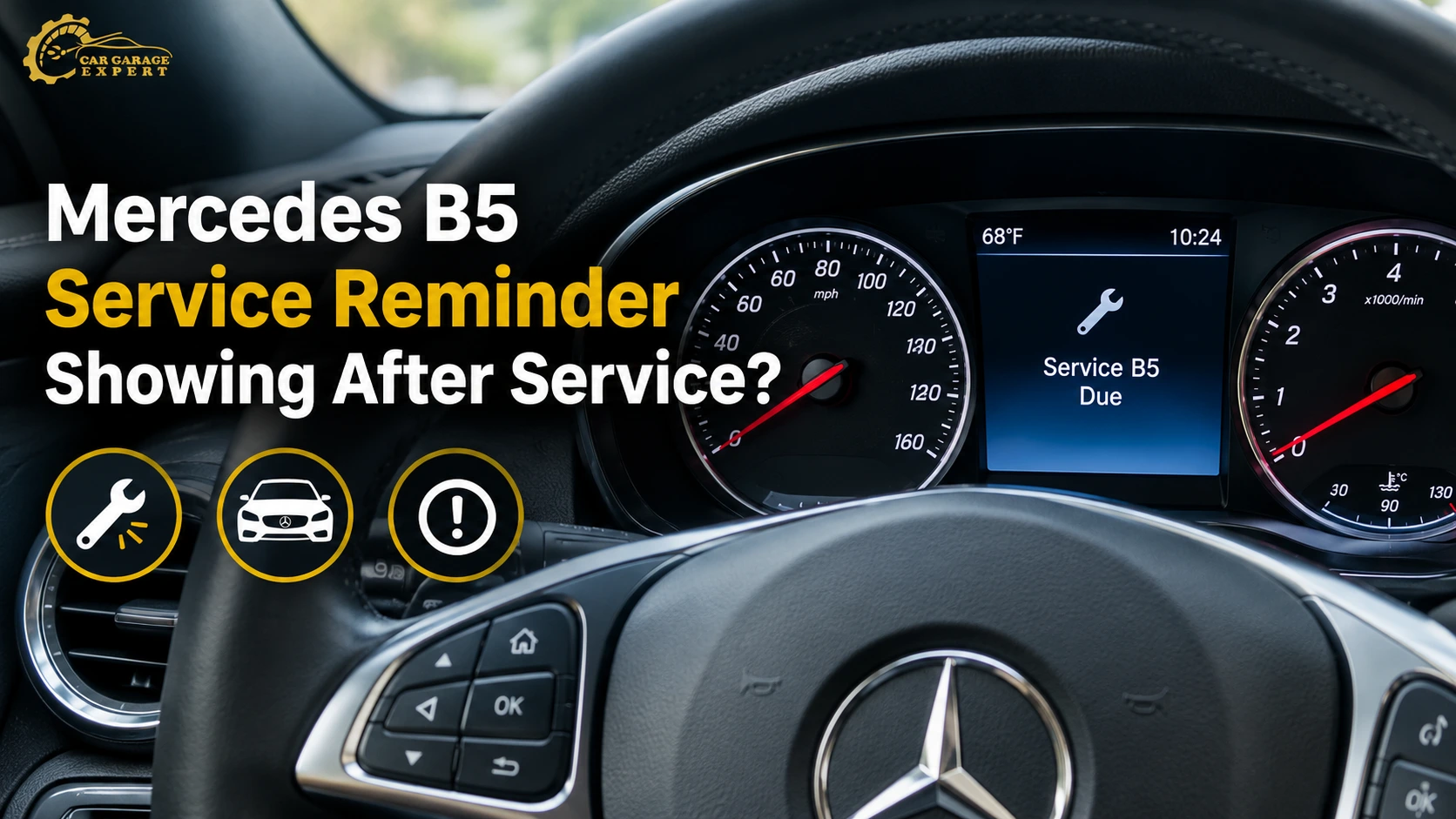
If a Mercedes B5 service reminder stays on after a service, it usually signifies the reset was missed, done wrong or entered as the wrong service type. The “B” is the basic service. The ‘5’ indicates more scheduled work was due at the same visit. If you don’t have that additional, the car keeps asking for it. Some things, such as brake fluid, also run on their own time clock. First, examine the service data and compare your invoice to the due list. Then the system is reinitialized for the exact task done. If the notice returns, scan for a battery, cluster, or sensor issue.
What the B5 Code on Your Dashboard Really Means
Mercedes employs a technology called ASSYST PLUS to schedule your servicing. It’s not simply about counting kilometers. It also measures time, engine load, cold starts, and driving style. Service A and B are alternated. So a car that you normally use will get A, then B, then A again.
The number following the letter adds more jobs to the basic service. The jobs differ by model, engine, and age. Two automobiles with B5 on both can leave the workshop with different work lists. Brake fluid and the cabin filter are common extras on a Mercedes B5 service, but your personal service sheet dictates the list.
The problem arises when the dashboard and the workshop are not aligned. You paid for the work, but the car still feels like it owes you.
Signs the Service Message Was Not Cleared Properly
Most drivers spot one of these signs after picking up the car:
- The Mercedes B5 service reminder message shows again on the first start.
- The display says the service is overdue by several days or kilometers.
- The countdown shows only a few hundred kilometers left, not a full interval.
- The next service shown is the same letter you just paid for.
- A different code, like A2 or B3, appears within a few weeks.
- A spanner symbol or Mercedes maintenance warning light stays in the cluster.
Each sign points to a different cause. The countdown number is the best clue, so take a photo of it before you call the workshop.
Why Does the Mercedes B5 Service Reminder Stay On?
Four causes explain almost every case. Most are quick to fix once you know which one you have.
The service indicator was not reset correctly.
A missed or failed reset is the most common cause. Changing the oil does nothing to the reminder on its own. Someone has to clear it through the cluster menu or a diagnostic tool. Some workshops forget. Others try the reset with the engine running, which fails on many models. On some cars, the menu asks you to confirm the service type, and pressing back too early cancels it. A Mercedes service warning after an oil change is almost always this.
Another scheduled maintenance item is still due.
ASSYST PLUS keeps more than one counter. The main counter tracks the A or B service. Other items run on their own clocks. Brake fluid is usually time-based, often every two years, no matter how far you drive. Spark plugs, the engine air filter, and transmission oil follow their own limits on many models. If the workshop resets the main counter but skips an add-on, the message can come back for that item. Most owners never hear about this cause, and most guides skip it.
The wrong service information was entered.
When a technician resets the system with a diagnostic tool, they choose what was done. If they log an A service when you had a B, the system plans the wrong next visit. If they tick the oil change but not the brake fluid, that counter keeps running down. The car only knows what you tell it.
A service-system fault may need diagnosis.
Sometimes the reset is right, and the message comes back. Then it’s a fault, not a missing step. A poor 12V battery can cause the cluster to lose stored data. A bad instrument cluster, a software glitch after a battery change, or a faulty oil level sensor could trigger a misleading warning. These require a proper scan, not another reboot.
Quick Comparison: What Your Dashboard Is Telling You
Use this table to match what you see with the likely cause.
| Reason | What You Usually See |
Usual Fix |
| Reset skipped or failed | Same B5 message right after pickup | Reset through the service menu or a tool |
| Add-on item missed | Message returns days or weeks later | Do the missing item, then reset its counter |
| Wrong service logged | Wrong letter or a short countdown | Re-enter the correct service type |
| System fault | Message returns after every reset | Battery test, fault scan, cluster or sensor check |
How Do You Reset a Mercedes B5 Service Reminder?
You can clear the message yourself on most models, but only after the work is done. Clearing it without the service hides the due date. It does not undo any wear on the car.
Check the vehicle’s service menu.
On most newer models, a Mercedes B5 service indicator reset follows these steps:
- Turn the ignition on without starting the engine.
- Use the steering wheel buttons to open the Settings or Service menu.
- Find the ASSYST PLUS section.
- Select the service type you performed and confirm it.
- Restart the car and check the new countdown.
Menu names change between model years. Older cars with a basic display use the trip button and the ignition in a set order. Your owner’s manual lists the exact steps for your car.
Verify the correct maintenance procedure for your model.
Check the menu for a list of individual items. Some models let you confirm the main service and each add-on one by one. Others hide those options and need a diagnostic tool. If you only reset the main counter, the add-on items stay live. That is why a home reset sometimes works for a week before the warning returns. If your menu shows no item list, have a Mercedes software workshop do the service counter reset.
When Does a Mercedes Need Professional Service-System Diagnosis?
A Mercedes needs a proper diagnosis when the message returns after a proper reset or appears with other warnings. Book a check if you notice any of these:
- The reminder comes back within days of every reset.
- The service menu will not accept the reset.
- The clock or seat settings also reset when you switch off the car.
- Other lights appear with it, like the battery, oil, or check engine light.
How a Workshop Finds the Real Cause
There is a nice sequence to Mercedes B5 service reminder troubleshooting. First, the technician snaps on a Mercedes diagnostic tool and pulls the ASSYST data. This indicates which counter is still alive and by how much. They then match that list with your latest invoice to find the most missed items. Then they load-test the battery, as low voltage can create many false signals. Finally, they scan the cluster and engine control unit for recorded fault codes.
If a dealer has already serviced the car and the message is back, Car Garage Expert can read the service data and tell you which item the car is still waiting for.
What Happens During a Proper B5 Service and Reset
Once the cause is clear, the fix follows a simple order:
- Do any missed items, such as brake fluid, the cabin filter, the air filter, or spark plugs.
- Refill with oil that meets the Mercedes approval for your engine, like MB 229.5 or 229.51.
- Reset the main counter and each add-on counter for the work done.
- Repair any fault found, such as a weak battery or outdated cluster software.
- Start the car and confirm the countdown shows a full interval.
A standard Mercedes B5 service usually covers the oil and filter, cabin filter, brake fluid, brake and tire checks, fluid top-ups, and a light check. The Mercedes service interval reset comes last. Ask for a printed checklist with each item ticked.
What Happens If You Ignore the Service Message
If you ignore a real reminder, you won’t do real maintenance. Brake fluid takes time to absorb water. When you brake hard, wet fluid boils faster, and the pedal can become soft after a long descent. The AC can’t work if the cabin filter is clogged. Not letting air into the engine wastes fuel. Old oil wears out the turbo and timing chain faster.
It costs more to sell again. People in Dubai look very closely at a car’s service history, and a car with gaps in it sells for less.
Even a false message costs money. While it shows, you cannot see when the next real service is due. That makes it easy to miss.
Can You Drive With a Mercedes B5 Service Reminder On?
Yes, in most cases you can keep driving. The Mercedes B5 service reminder is a scheduled notice, not a fault warning. The car will not lose power or go into limp mode because of it.
Take more care if the service was never done. Oil and brake fluid matter most, so book the work within a few weeks or the next 1,000 km.
Stop driving if a red warning appears, such as low oil pressure or a brake warning. In that case, call roadside assistance and do not drive on.
How Long It Takes to Clear the Message for Good
The time depends on the cause:
- A simple reset takes 10 to 15 minutes.
- A diagnostic scan and invoice check takes 30 to 60 minutes.
- A missed add-on like brake fluid adds about an hour.
- A full B5 service with all items takes about 3 to 5 hours.
- Cluster or software faults can take longer if parts need to be ordered.
What Decides the Cost of Fixing It in Dubai
The bill depends on what is actually wrong. A reset alone costs little. A full service with add-ons costs more. These factors set the price:
- Model and engine. A four-cylinder C-Class takes less oil than a V8 S-Class.
- Add-on items due. Brake fluid, spark plugs, and transmission oil each add parts and labor.
- Oil grade. Approved full synthetic oil costs more, but your engine needs it.
- Faults found. A new 12V battery for a newer Mercedes often costs AED 600 to 1,500.
- Dealer or independent. Independent Mercedes specialists in Dubai usually charge less than the main dealer for the same checklist.
How to Stop the Reminder Coming Back After Your Next Service
A few simple habits prevent most repeat messages:
- Before you pay, ask which service code the car showed and which items were done.
- Ask the technician to show you the new countdown on the dashboard.
- Check the display before you drive off. It should show close to a full interval.
- Keep every invoice with the items listed.
- Do not reset the reminder yourself unless the work is done.
Does Dubai’s Heat Affect Mercedes Maintenance Requirements?
Yes. Even though ASSYST PLUS can handle some driving conditions, it can’t account for everything Dubai does to a car. When it’s 45°C outside, oil thins faster, and the cooling system works harder. Idling for a long time in traffic with the air conditioner on adds hours to the engine but not kilometers. The engine air filter and cabin filter clog faster than planned because of dust from places like Al Quoz.
Heat is also hard on 12V batteries. Many batteries in the UAE last two to three years. A tired battery is one of the top causes of a false service message.
Practical steps for Dubai drivers:
- Check the cabin and air filters at every visit, not only when the code asks.
- Test the battery before May each year.
- Ask about a shorter oil interval if you mostly drive short city trips.
- Use shaded or covered parking when you can.
- After any battery change, check that the service countdown still shows the same value.
Why Car Garage Expert Is a Strong Pick for This Problem in Dubai
For a Mercedes B5 service reminder that will not clear, Car Garage Expert in Al Quoz is a sound first stop. As a Mercedes workshop in Dubai, it handles the whole fix, from reading the service data to doing the missing work.
We check the due list before the reset.
Technicians read the ASSYST data first and compare it with your last invoice. That shows which counter is still running, so the right item gets done.
We reset every counter, not just the main one.
The reset covers the main service and each add-on item. That stops the message from coming back a week later.
Repeat messages get a real fault check.
A message that keeps returning gets a battery load test and a fault scan, not another blind reset.
You get an itemized record.
Each job is listed on the invoice. That record helps resale value and guides the next service.
Frequently Asked Questions
Q1: Does changing the oil automatically reset the Mercedes service reminder?
No. An oil change does not clear the reminder by itself. You must reset the counter through the service menu or a diagnostic tool after the work is done.
Q2: Why does my Mercedes show service due after maintenance?
Most of the time, the reset wasn’t done, the wrong service was logged, or an add-on item was missed. Most often, brake fluid is forgotten. A weak battery can also trigger the message.
Q3: Can a Mercedes B5 service reminder indicate another maintenance requirement?
Yes. The “5” adds extra items to the base B service. If you missed one, the reminder can return for that item alone, even after a full oil service.
Q4: What does B5 mean on a Mercedes?
B5 means a Service B plus extra scheduled items due at the same time. The extra items depend on your model, engine, and age.
Q5: How long does a Mercedes B5 service take?
A full B5 service usually takes 3 to 5 hours. A reset or quick scan takes under an hour.
Related Services
These services cover the other jobs that often come up with this problem:
- A car mechanic visit for fault scans, battery tests, and repairs.
- Car service packages in Dubai that bundle A and B service work.
- A mobile car mechanic for battery checks at your home or office.
- Car painting if your Mercedes also needs bodywork.
- Search for a garage near me to find the closest workshop in Dubai.
Get Your Service Message Cleared the Right Way
If your Mercedes B5 service reminder is still showing, have the service data read before paying for another reset. Send a photo of your dashboard on WhatsApp, find the workshop on Google Maps, or book your Mercedes check online.